Wallpanel OS
OptimizationsWhat makes Wallpanel OS different from standard Android? System optimizations — part 2
A custom Chromium WebView, adaptive performance management and practical Wallpanel OS optimization results for Home Assistant.
A question often comes up: what makes Wallpanel OS different from Android installed on a standard tablet?
The shortest answer is: the system’s purpose.
A typical tablet must work across many different scenarios. Its manufacturer tries to extend battery life, limit background activity and free memory, even if that means a short delay when an app is opened again.
Wallpanel works differently. It is continuously powered through PoE or DC and spends most of its time performing one specific task: displaying the Home Assistant interface. Wallpanel OS can therefore prioritize smoothness, immediate response and continuous readiness over battery conservation.
The same specifications do not guarantee the same experience
Two devices can have the same processor, amount of RAM and display resolution, yet behave very differently.
A specification sheet does not reveal how quickly the system increases CPU frequency, how it treats the foreground app, when it suspends a web page or whether it removes the page’s resources from memory after the screen turns off.
With a properly prepared system, Wallpanel can therefore deliver a smoother Home Assistant dashboard experience than a standard tablet with the same specifications. This is not about magically increasing the processor’s capabilities, but about making better use of the resources already available in the device.
A custom WebView engine
The Home Assistant interface is largely a web application. Its smoothness depends not only on Android, but also on WebView, the engine responsible for running the dashboard.
Wallpanel OS does not rely on whichever version happens to be included with the base system. It uses a custom emel.tech System WebView, compiled directly from Chromium source. The latest OTA update delivers a WebView based on Chromium 150.0.7871.181.
Several changes have been introduced to suit a permanently installed wall panel.
When the app moves to the background, Chromium does not automatically freeze the dashboard’s task queues. This allows JavaScript timers and the WebSocket connection to Home Assistant to remain active, so the interface does not have to start over when the screen wakes.
WebView also does not automatically discard page resources from memory simply because the page has been temporarily frozen. RAM usage may be slightly higher as a result, but returning to the dashboard is faster and requires less data to be processed again.
The engine also avoids persistent histogram buffers, which are used mainly to collect Chromium statistics and provide no practical benefit to the user in a wall panel. This reduces unnecessary memory usage and write operations.
Communication with Autofill servers and the transmission of form metadata have been disabled. This does not remove the entire local form mechanism. WebView simply does not communicate with services that are not needed for Home Assistant.
The Variations system, which provides remote Chromium feature experiments, has also been disabled. The engine’s behavior is therefore defined at build time and remains unchanged until the next controlled OTA update.
A system that responds to actual workload
WebView changes solve only part of the problem. The other part is how Android manages the processor, graphics processor and memory.
In a standard Power HAL, some of the mechanisms responsible for responding to touch input, demanding rendering and ADPF feedback may be left empty or have no effect on device performance.
In Wallpanel OS, these mechanisms have been implemented and tailored to the operating profile of a wall panel. The system now responds to user interaction, the start of rendering and situations where an app misses its target frame time.
The foreground app receives a higher scheduler priority, while the CPU, GPU and memory controller can move to a higher performance level more quickly.
This is not an unconditional “full power all the time” mode. After the initial boost, Power HAL monitors the workload. If a demanding view, such as a Windy map, animated dashboard or camera feed, continues to use the device intensively, the boost is automatically extended. When the workload drops, the system returns to its normal settings.
The result in practice
Before the changes, approximately 35.08% of rendered frames were classified by Android as janky, meaning they were delivered late enough to cause visible stutter.
After deploying the custom WebView and adaptive performance management, this figure fell to 3.48% in the development test.
| Measurement | Before the changes | After optimization |
|---|---|---|
| Janky frames | 35.08% | 3.48% |
| Typical frame time, p50 | 32 ms | 22 ms |
| p90 | 57 ms | 28 ms |
| p95 | 69 ms | 31 ms |
| p99 | 93 ms | 42 ms |
This represents a substantial reduction in delayed frames. It was a practical test involving dashboard switching, WebView, Windy and multimedia rather than a synthetic benchmark.
Performance instead of chasing every minute of battery life
This approach has a cost. Keeping the page and its connections active in the background may increase RAM and power usage.
For a device that is continuously powered through PoE, this is a deliberate trade-off. Instead of conserving a battery that the panel simply does not have, the available power budget is used to improve interface responsiveness.
This is one of the most important differences between Wallpanel OS and Android on a typical tablet: the system is developed for a specific usage model rather than the broadest possible range of applications.
This is only the foundation
The changes described above primarily concern smoothness, WebView and resource management. Wallpanel OS continues to evolve as an operating system for home automation.
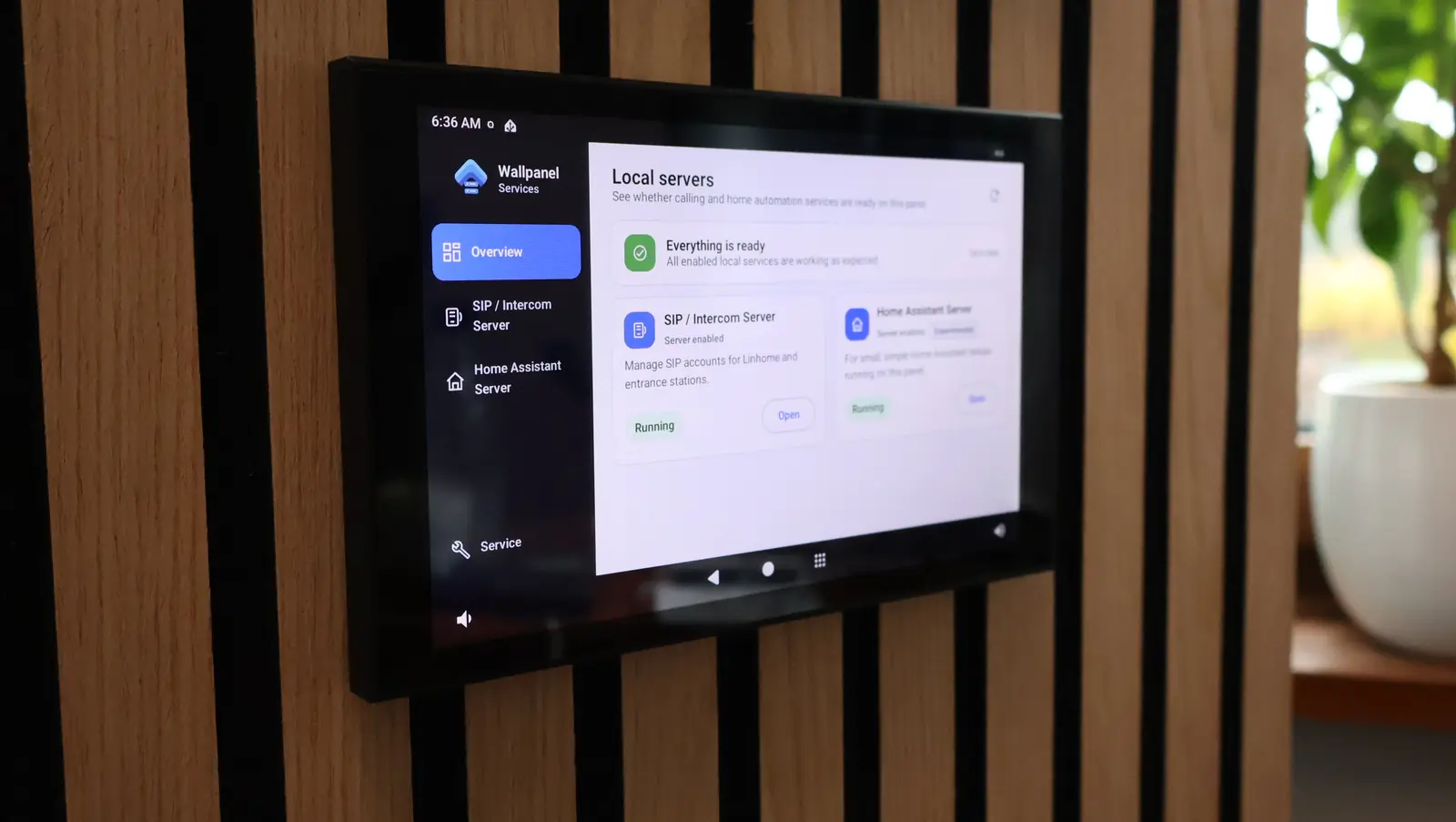
Update — 20 October 2026: the local SIP server announced below is now available in Wallpanel OS 14.1.0. The release also adds an experimental Home Assistant server. Read about the new features. The original announcement is preserved below.
The next development stages include work on a local SIP server and the option to run a local Home Assistant server directly on the panel. These solutions are not presented as finished features yet, but they show the direction of the project.
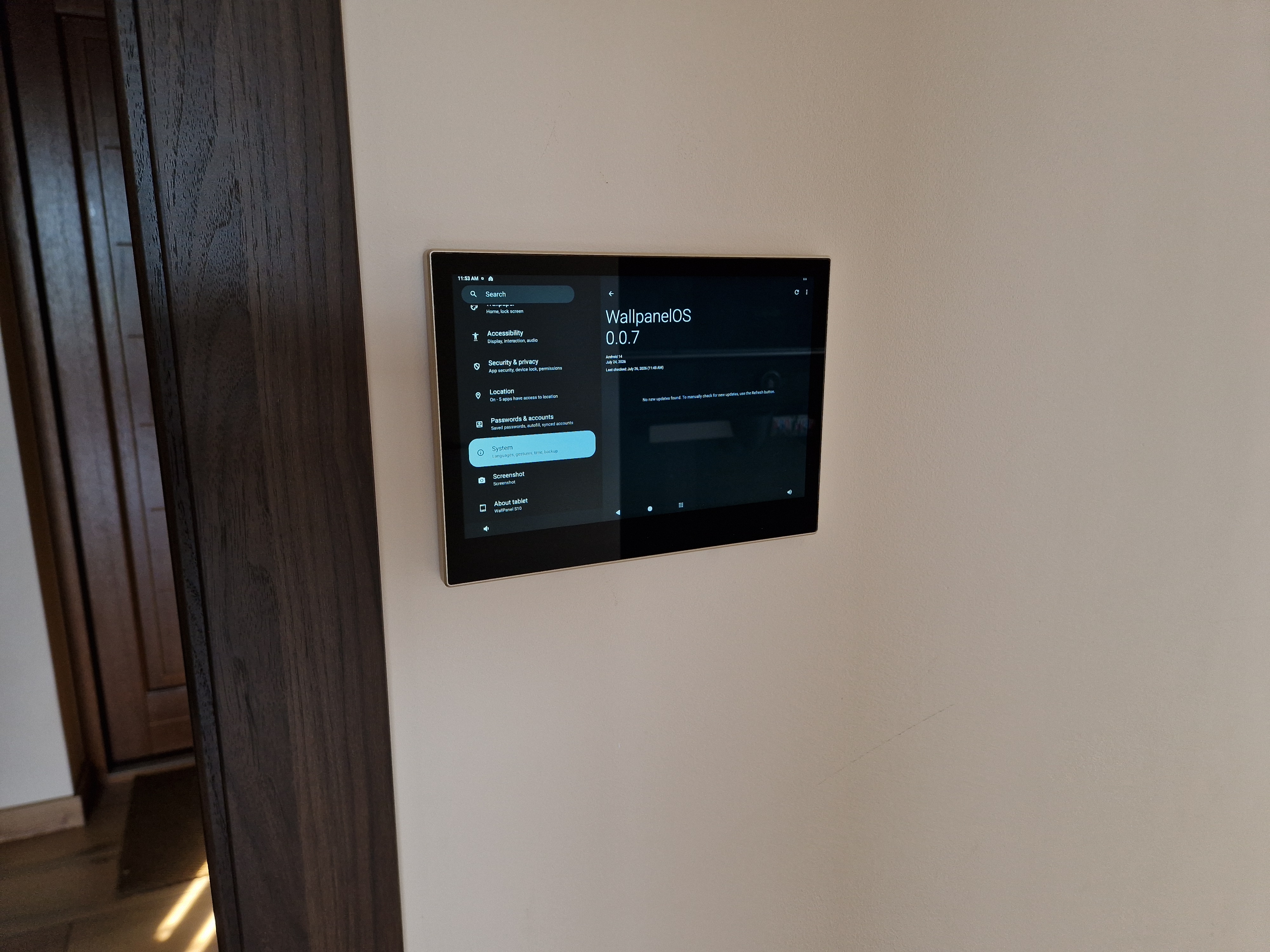
Wallpanel OS 0.0.7 is now available
The OTA update to Wallpanel OS 0.0.7, containing the changes described above, is now ready. Devices can be updated using the built-in OTA mechanism.