
A system for a wall panel
Wallpanel OS is based on Android 14/AOSP and prepared for a permanent Home Assistant dashboard, not generic consumer tablet use.
Wallpanel OS
A system based on Android 14/AOSP, prepared for a wall-mounted Home Assistant panel.
Why not a generic tablet
A generic tablet often means visible chargers and cables, unnecessary apps, less control over system behavior and software designed for handheld use. Wallpanel OS is focused on a permanent dashboard, predictable behavior and wall mounting.
Wallpanel OS is based on Android 14/AOSP and prepared for a permanent Home Assistant dashboard, not generic consumer tablet use.
Apps can be installed via APK, F-Droid and a configured app repository prepared for the device.
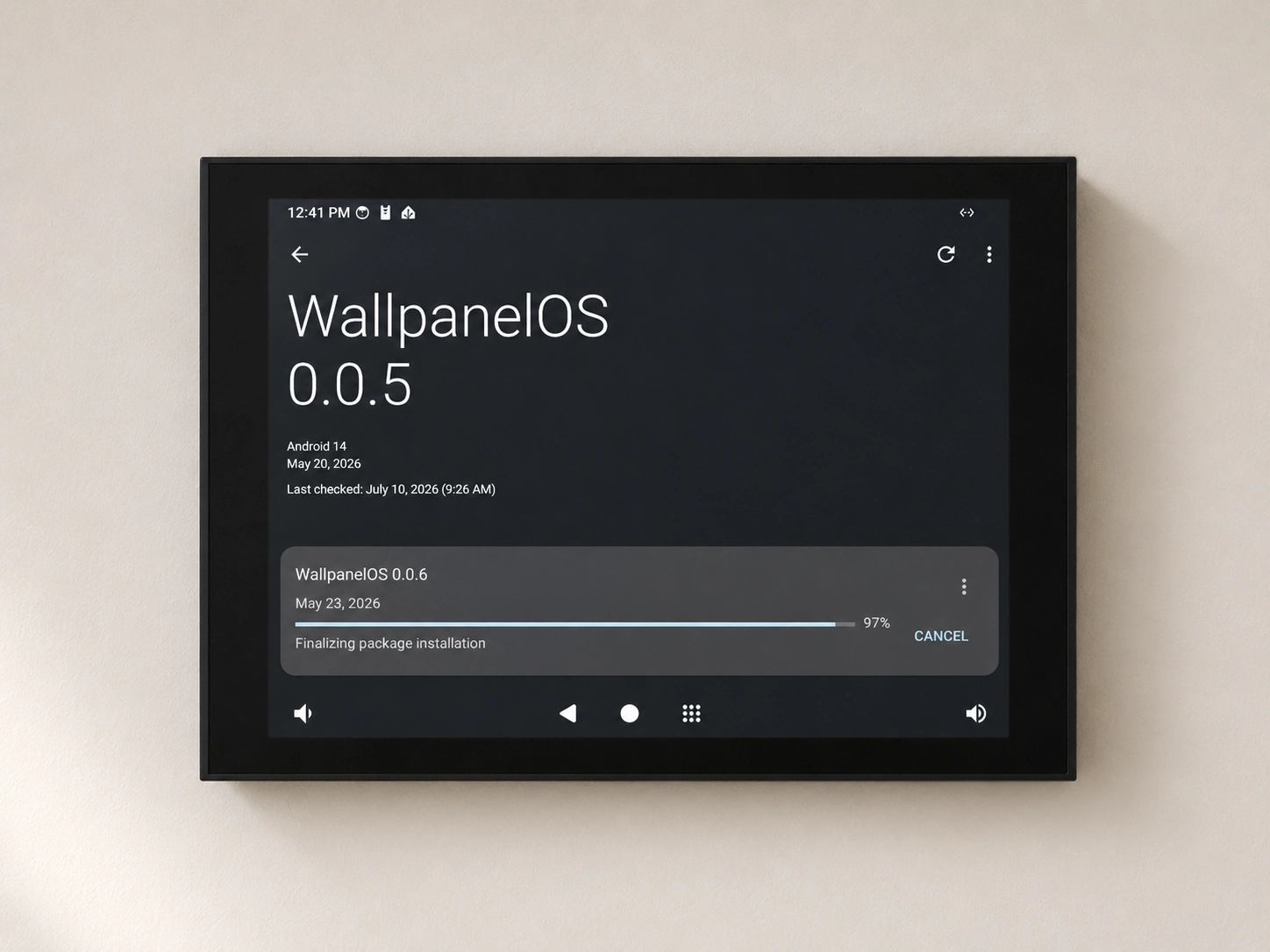
Wallpanel OS supports OTA updates for the system and apps. The flow is similar to Android: notification, download and installation.
Technical, but practical
Wallpanel OS keeps the useful parts of Android/AOSP, removes unnecessary wall-panel friction and adds a path for updates and app installation.
Home Assistant Companion
Home Assistant Companion is configured as the default Wallpanel OS launcher, providing direct access to the Home Assistant dashboard and features when the device starts.
OTA
Updates required to maintain product conformity are provided for the period required by law. Additional feature development may continue longer, without a guaranteed schedule.
SIP / intercom
Linhome supports audio/video intercom calls, DTMF, SIP messages and gate or door opening. The built-in Asterisk-based SIP server lets Wallpanel also act as a local PBX, including for intercoms that require registration with an external SIP server, without a separate device for that role.
The SIP server is available on S5, S8 and S10 from Wallpanel OS 14.1.0. You manage it in Wallpanel Services. The service is optional and disabled by default on a fresh installation.
Wallpanel Services
Available from Wallpanel OS 14.1.0, Wallpanel Services brings local server management into one app. The services run on Android, with everyday controls available through the app interface.
Both services are optional and remain disabled on a fresh installation until you start them.
Start and stop the Asterisk server, add accounts for intercoms and panels, and check their registration status. The SIP server is built into the system and needs no download on first use.
Home Assistant Container runs directly on Wallpanel, without Supervisor or the add-on store. This experimental option is intended for small, simple setups. It shares the panel's resources and needs internet access to download the service image on first use.
Back up and restore service configurations, check CPU and memory usage, and browse logs. Optional background diagnostics retain up to 7 days of history. You can send a problem description and diagnostic report directly from the device.
Apps can be installed via APK files when the scenario requires it.
F-Droid is supported as one of the app sources.
The device can use a configured app repository prepared for the project.
Next step
Compare S5, S8 and S10, or contact us about a specific installation.